MuJoCo physics with Orocos KDL kinematics and dynamics, in C++ and Python.
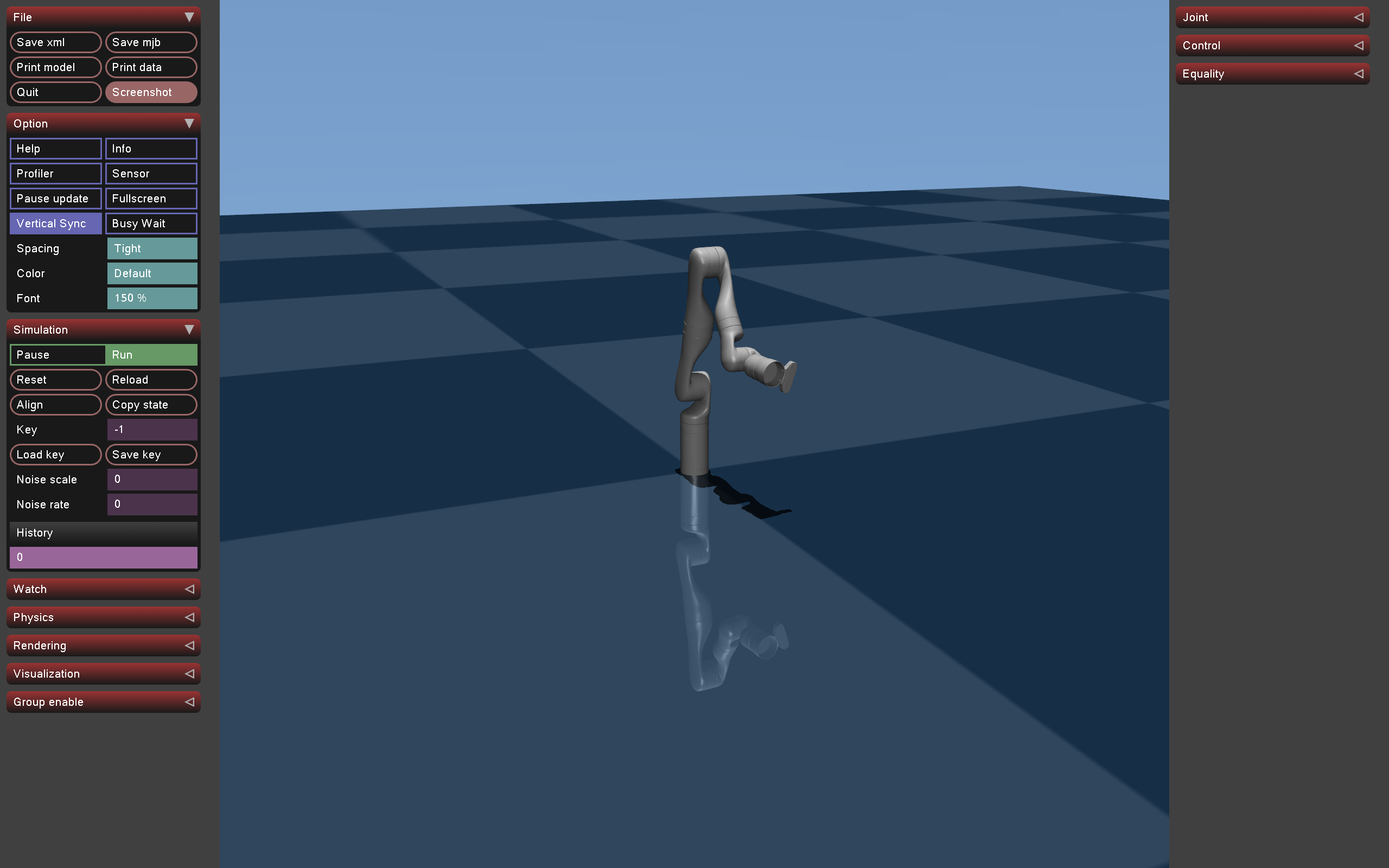 ex_gravity_comp — Single arm, KDL gravity compensation |
Features
- Scene builder – compose MJCF robots, grippers, objects and cameras into one MuJoCo scene via mjSpec, with ordered attachment chains and relative placement.
- KDL from the model – the KDL chain is built from the compiled MuJoCo model; several robots, each with its own chain, share one simulation.
- Control – POSITION / VELOCITY / TORQUE ports, each mode a group of MuJoCo actuators (torque control), plus KDL FK, IK, RNEA and ACHD solvers.
- One Env – owns the model, robots, scene slots and viewer; step / update / reset drive it, and reset re-seeds everything it holds.
- Viewer and recording – the MuJoCo Simulate UI with Frames / Trace / Perturb panels, and interactive or headless (EGL + ffmpeg) MP4 capture.
- Python bindings – the same Env, Robot, Viewer and VideoRecorder, returning PyKDL types and numpy arrays.
Install
Ubuntu/Debian, CMake >= 3.16, a C++20 compiler and, for Python, Python >= 3.10. MuJoCo 3.14.0 is downloaded by the build; the secorolab Orocos KDL fork is built from source (mj_kdl_wrapper.repos) and the system KDL is never used.
main only advances at releases, so a plain clone is the latest release; --branch vX.Y.Z pins an older one. vcstool is also on PyPI; ROS apt sources name it python3-vcstool.
C++
Python
The wheel bundles the KDL fork, PyKDL, the MuJoCo plugins and the assets/ models; MuJoCo itself comes from the pinned mujoco pip package.
ROS 2 (colcon), Jazzy or Lyrical, with KDL as its own package so the overlay shares one liborocos-kdl:
The standalone and ROS 2 guides cover tests, editable Python installs, a custom MuJoCo or KDL, sharing one KDL across projects and every CMake option.
Assets
The bundled models ship in the repo and the wheel. C++ examples and tests load them from the source assets/ (mj_kdl_examples::asset(...)), Python from the installed package (mj_kdl_wrapper.ASSETS_DIR / "..."), and cmake --install copies them into ~/.cache/mj_kdl_wrapper/assets for programs that know neither.
| Path | Description |
|---|---|
| assets/kinova_gen3/gen3.xml | Kinova Gen3; MuJoCo Menagerie's model plus a base_link/shoulder_link contact exclusion and Kinova's joint armature |
| assets/robotiq_2f85/2f85.xml | Robotiq 2F-85; ctrl is the driver joint angle, 0 (open) to 0.82 rad (closed). Use tool_body = "g_base_mount" (with prefix g_): the mount carries mass too |
| assets/ft_sensor.xml | 6-axis force-torque sensor |
| assets/table.xml | Table with an authored table_top site |
| assets/mug.xml, assets/mug_table.xml | Pouring example |
| assets/cabinet/cabinet.xml | Three-drawer cabinet |
| assets/cube.xml | Free cube |
| assets/door_latch/door_latch.xml | Latched cupboard door (not used by the examples or tests) |
Any other MJCF, e.g. from MuJoCo Menagerie, loads through RobotSpec.path; a model that brings its own floor needs add_floor = false.
Examples and tests
Each example exists in C++ (src/examples/) and Python (python/mj_kdl_wrapper/examples/) and ends by itself; the C++ ones open the viewer unless given --headless, the Python ones run headless unless given --gui. The catalog is in docs/examples.md.
Documentation
- C++ tutorial and C++ API guide
- Python tutorial and Python API guide
- Conventions – units, frames, quaternion order, F/T sign, what persists
- Torque control, loop pacing
- Migration notes between versions: docs/index.md
- Generated API reference: cmake -B build -DBUILD_DOCS=ON && cmake --build build --target docs, then build/docs/html/index.html